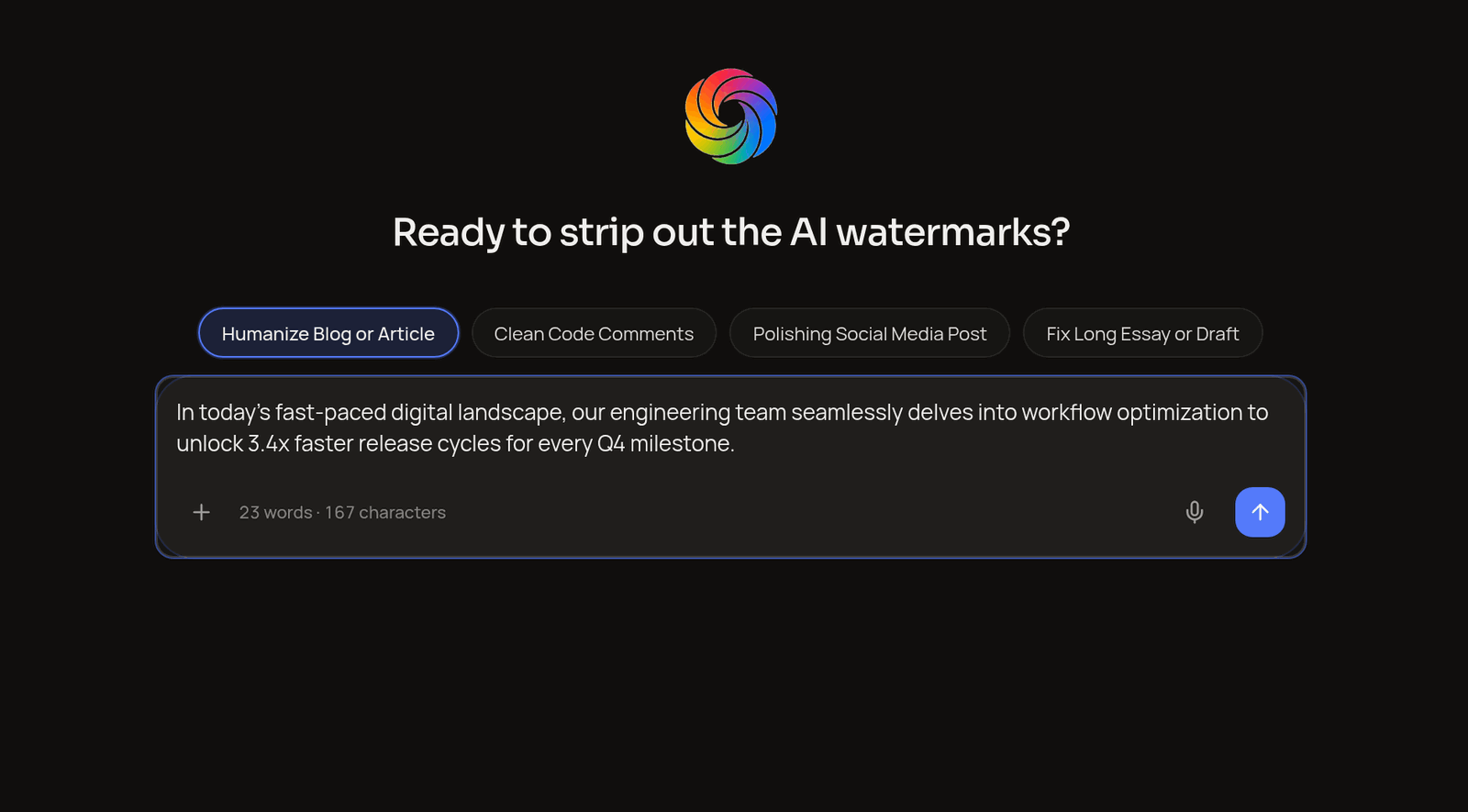
Humanize Blog or Article
Editorial & SEOReshapes predictable AI openings and repetitive paragraph transitions into natural, engaging articles while keeping your target SEO keywords untouched.
Inside the Workspace
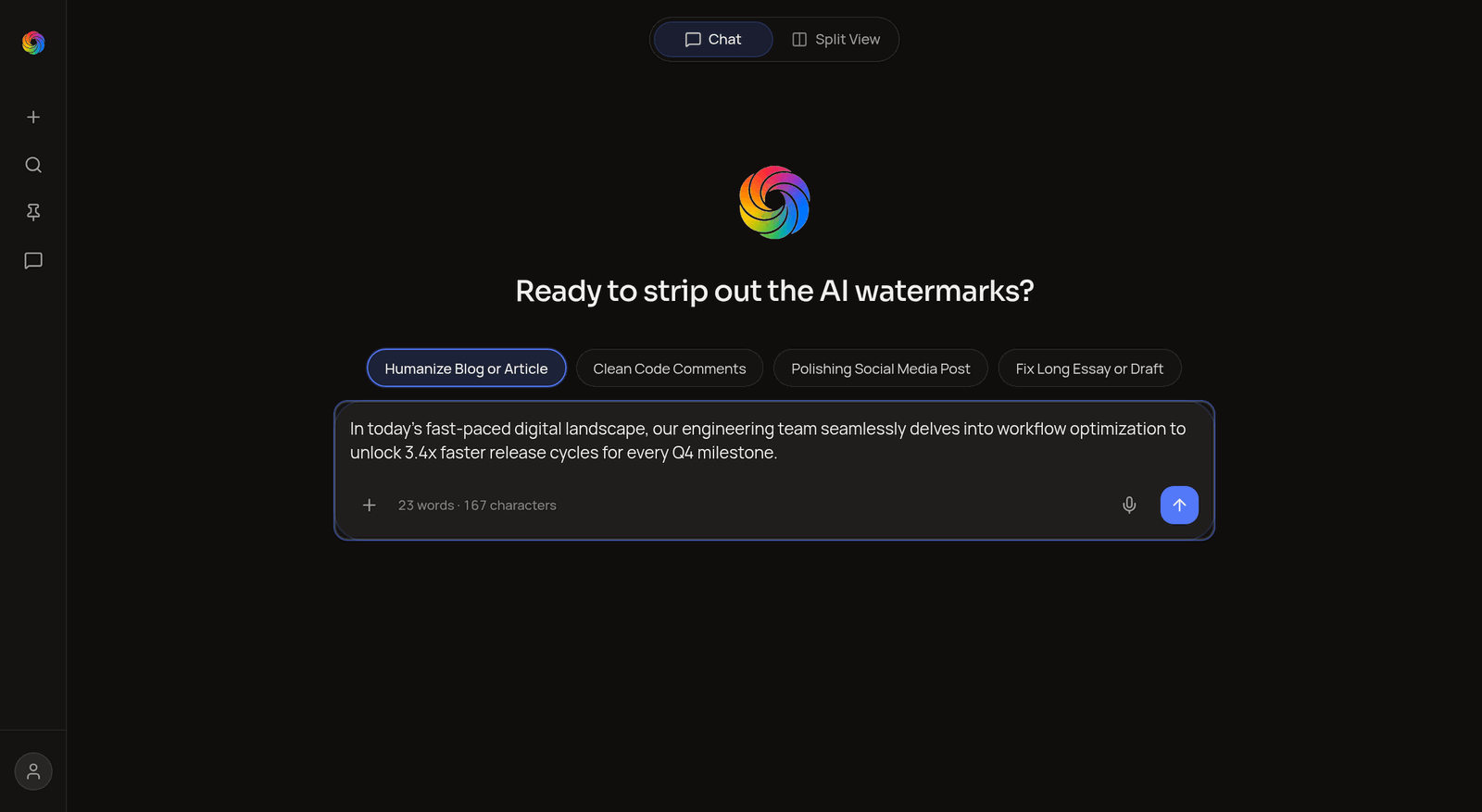
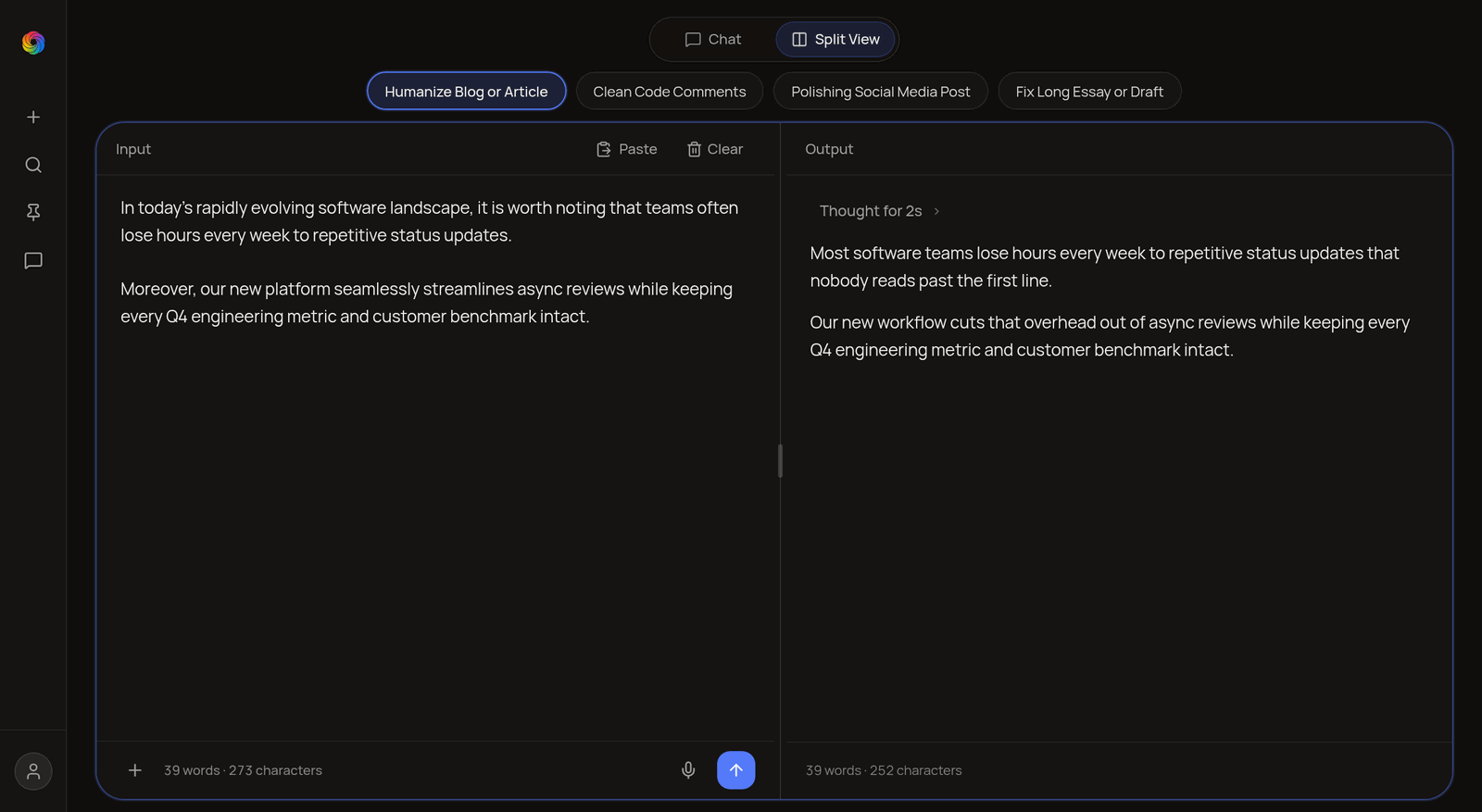
Switch effortlessly between conversational Chat and a two-pane Split View Studio. Paste any rough draft and watch DeepNix refine the tone, rhythm, and clarity in real time.
![DeepNix with Fix Long Essay or Draft mode active in Split View, preserving inline citations [14] and [19].](/screenshots/deepnix-mode-essay.png)
For shaping rough drafts into clear human writing.
Open DeepNix in Chat mode, pick any of the four writing pills above the composer, and paste your rough draft. DeepNix strips out repetitive AI phrasing while keeping your exact meaning intact.
A calm writing assistant for everyday work — articles, founder updates, documentation, and long-form drafts.
Five specialized refinement passes run in parallel behind the scenes to strip repetitive AI habits while locking your meaning.

Scanning Structure & Hidden Watermarks
Mapping your core arguments, preserving key facts and terminology, and stripping invisible zero-width watermark characters.
Humanized output · SEO & metrics preserved
Switch to Split View anytime to compare your input and output side by side.
Antimark Engine
Instead of swapping isolated words with a thesaurus, DeepNix reshapes the rhythm of the whole paragraph right inside a clean, distraction-free workspace.
Four Specialized Modes
Every mode pill inside DeepNix tunes the Antimark Engine for what you are publishing — from articles and code comments to social posts and research essays.
Reshapes predictable AI openings and repetitive paragraph transitions into natural, engaging articles while keeping your target SEO keywords untouched.
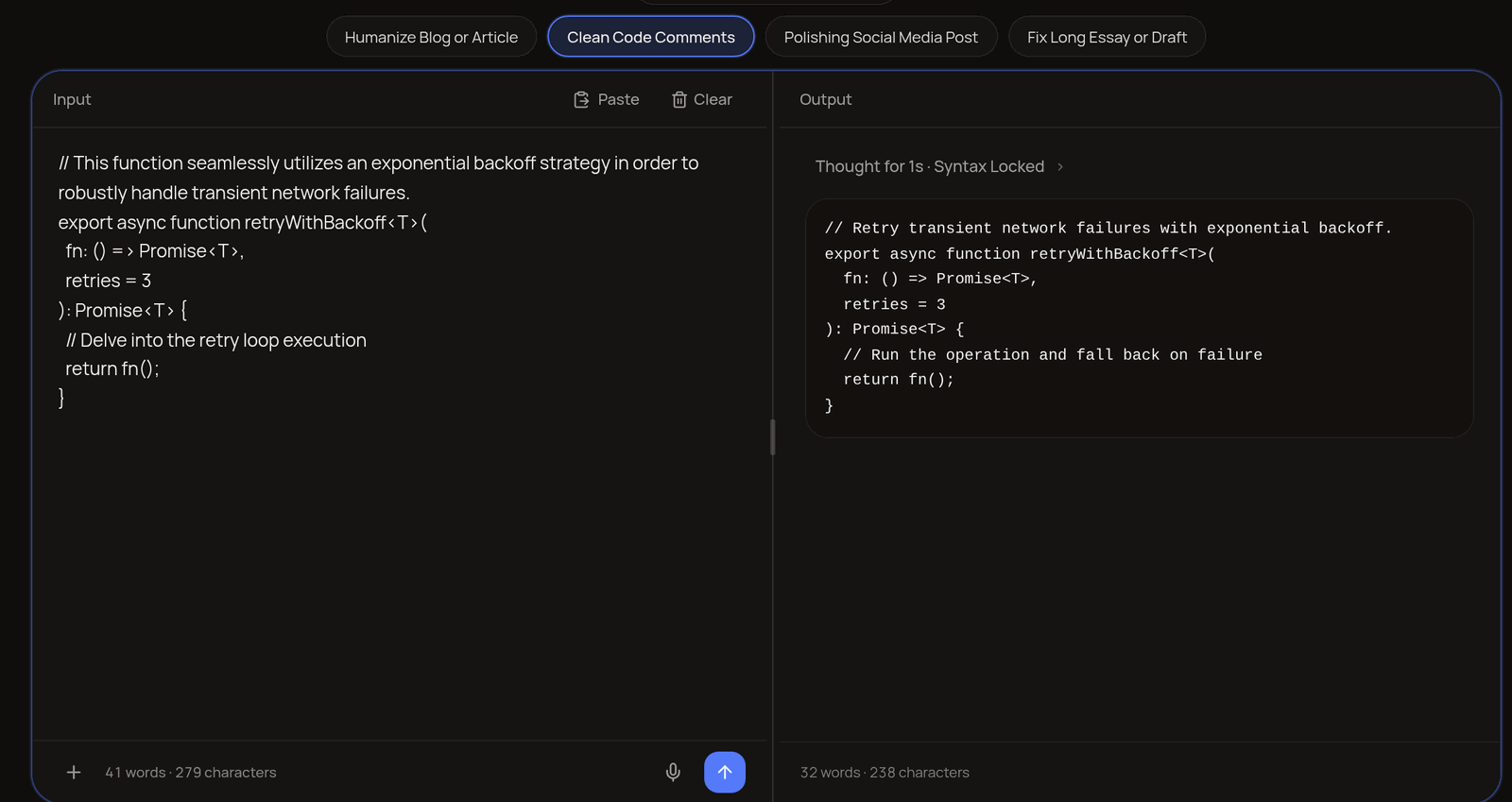
Strips textbook AI explanations out of your pull requests and replaces them with concise developer notes while locking 100% of your executable syntax.
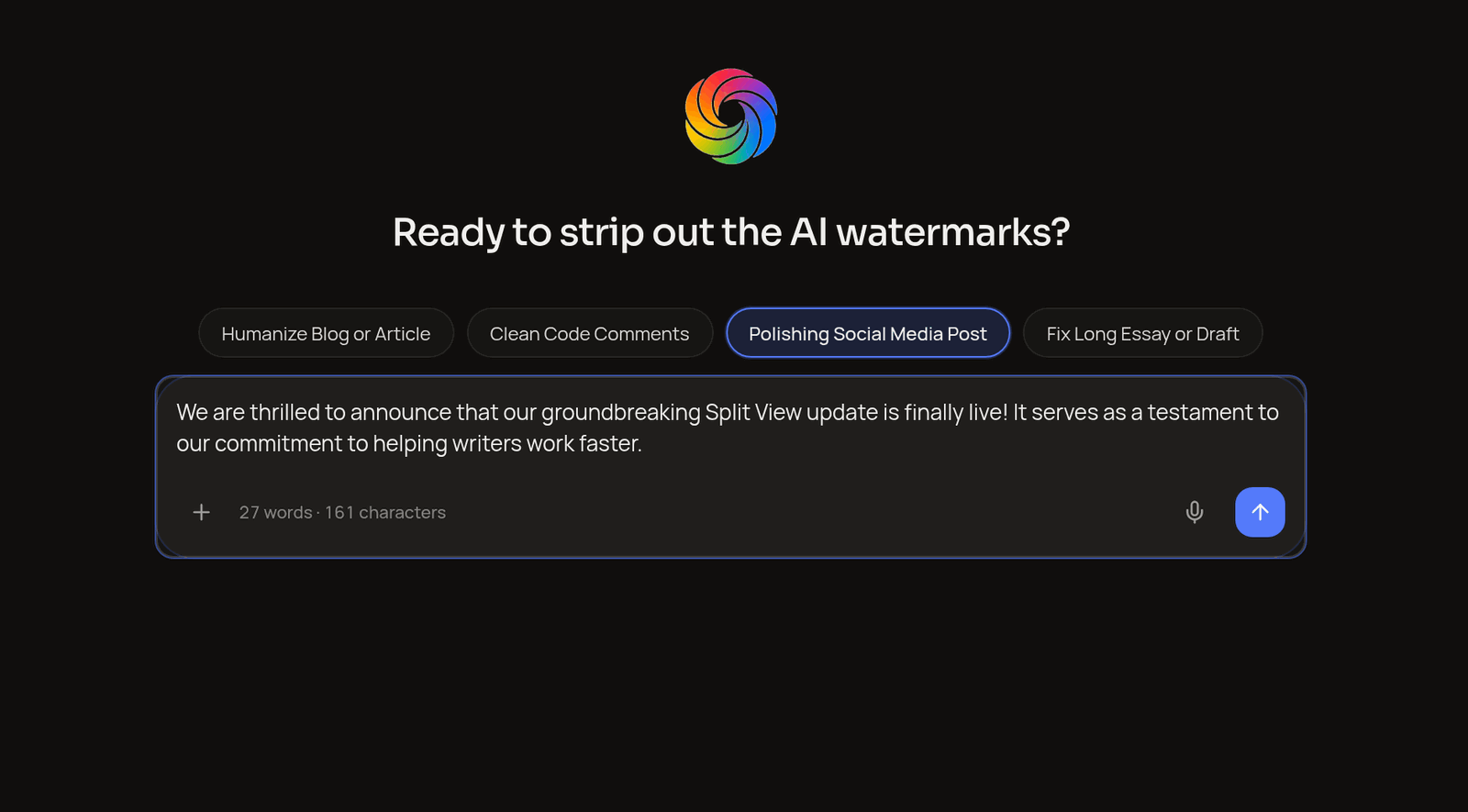
Turns stiff announcements and bulleted release notes into natural LinkedIn and X updates — no forced hooks, no corporate buzzwords, just direct human voice.
Smooths out section transitions and sentence pacing across multi-page essays and research drafts while strictly preserving every inline citation, date, and number.
Why DeepNix
Most rewriting tools treat sentences like isolated word puzzles. DeepNix is Powered by the DeepNix Antimark Engine — built to preserve your ideas while making every sentence read naturally.
Humans naturally mix short, direct observations with longer explanatory clauses. DeepNix restores that organic pacing so paragraphs never drone on at a single uniform length.
Phrases like 'in today's fast-paced landscape' or 'delves into' immediately make writing feel generic. DeepNix strips out filler transitions and gets straight to your point.
Refining tone should never alter your facts. Your dates, statistics, citations, and target SEO keywords remain anchored right where they belong.
When cleaning up code comments, DeepNix isolates documentation blocks and leaves every executable statement, type definition, and indentation level untouched.
Questions & Answers
Everything you need to know about how the Antimark Engine refines tone, locks citations and code syntax, and protects your writing.
Jump straight into the DeepNix workspace and switch between Chat and Split View in one click.
Basic paraphrasers swap isolated words with thesaurus synonyms, which often makes sentences sound stiffer than the original draft. DeepNix works like an experienced human editor: it varies sentence length, strips repetitive throat-clearing transitions, and keeps your voice clear and direct.
Yes. DeepNix's 5-Layer Antimark Engine removes both invisible Unicode watermarks (Zero-Width Space U+200B, Byte Order Mark U+FEFF, Word Joiner U+2060, Non-Breaking Space U+00A0/U+202F, Soft Hyphen U+00AD, and AI em-dash clusters) and statistical token watermarks (like Google Gemini SynthID-Text n-gram sequences and uniform sentence burstiness) across ChatGPT, Gemini, Claude, Grok, and Meta AI.
Use Chat when you want to iterate on a draft conversationally, ask follow-up questions, or attach files in a thread. Switch to Split View when you want a dedicated two-pane writing studio — paste your source draft on the left, drag the center divider to your preferred width, and copy your finished writing from the right.
Never. In Clean Code Comments mode, DeepNix isolates #, //, and /* ... */ documentation blocks and leaves every function signature, variable name, type definition, and logic branch 100% untouched.
Yes. Whether you are refining a search-optimized blog post or a multi-section research paper, DeepNix locks your target keywords, product names, statistics, and inline citations in their original context.
Yes. You can dictate directly in the composer using the microphone in English, Bengali, or Hindi, or click the + button to attach text, markdown, and code files.
Yes. Your drafts are processed strictly to generate your requested output and are never sold or shared with third-party advertisers. You can clear your workspace or delete saved threads at any time.
Pick a writing mode below or jump straight into the workspace to test DeepNix on your own draft.
Rewrite this article draft with natural sentence rhythm while keeping my SEO keywords intact.